
The Heavy Video Background Trap: Why Your Aesthetic Hero Header Is Draining Your Mobile Leads
You hired a high-end web designer to revamp your local business website. They added a sleek, looping 4K background video right in the hero section: aerial drone footage of your office, slow-motion shots of your team working, and polished ambient lighting.
It looks stunning on your 27-inch desktop monitor at the office.
Then a local homeowner in urgent need of your services clicks your ad while standing on a driveway with 3 bars of cellular data. They wait 3 seconds. The screen stays white. At 5 seconds, the layout stutters and jumps as a massive 45MB video file attempts to render.
By second 6, the prospective buyer presses the back button and calls the competitor down the street.
Welcome to The Heavy Video Background Trap.
The Mobile-First Speed Reality
In 2026, over 80% of local service inquiries occur on mobile devices. Mobile networks, even 5G, experience latency spikes and bandwidth throttling.
When you prioritize desktop aesthetics over mobile speed, you tax your prospective client’s battery, mobile data, and patience.
THE HEAVY VIDEO HERO (High Bounce Rate)
[User Clicks Ad] ➡️ [45MB Video Loads] ➡️ [Page Layout Jumps] ➡️ 🚨 6-SECOND BOUNCE

THE SPEED-OPTIMIZED HERO (High Conversion)
[User Clicks Ad] ➡️ [Compressed WebP Image Loads <0.5s] ➡️ [Instant CTA] ➡️ 🔒 LEAD CAPTURED
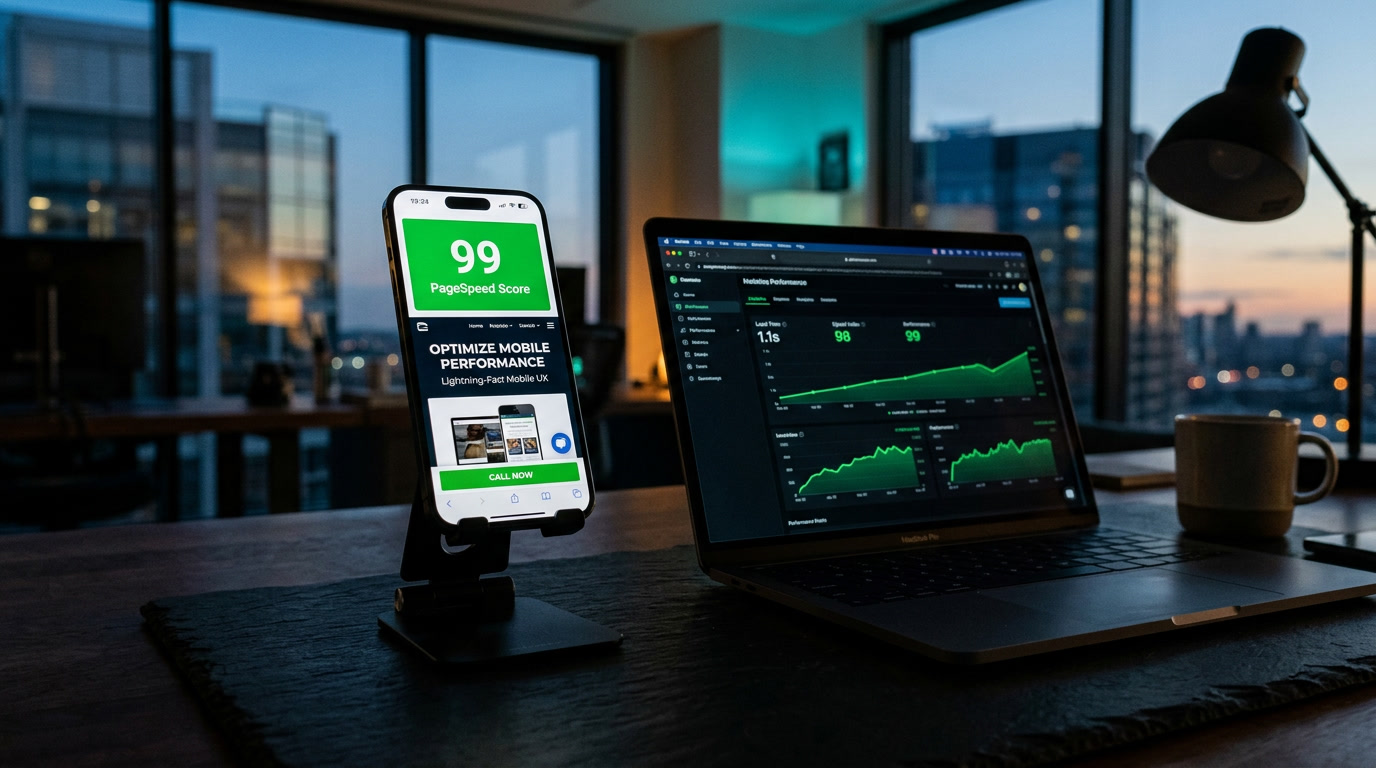
Search engines like Google measure PageSpeed, Core Web Vitals, and Interaction to Next Paint (INP). When a heavy video delays your First Contentful Paint (FCP), your search rankings plummet alongside your conversion rate.
How to Fix Mobile Speed Without Sacrificing Visual Quality
You don’t need a clunky, boring site to load fast. You simply need smart performance architecture.
1. Strip Background Video on Mobile Breakpoints
Use responsive media queries to disable full-motion video loops on screen widths below 768px. Replace the video with a high-contrast, ultra-compressed WebP image that loads in under 300 milliseconds.
2. Prioritize Text and Call-to-Action Rendering
Your headline, phone number, and quote request button should load before any background media assets. Ensure your critical conversion elements render immediately while secondary visual assets load asynchronously in the background.
3. Convert Videos to Short, Lightweight CSS Animations or MP4 Sequences
If motion is essential for your brand, replace uncompressed background video files with optimized 3-second micro-loops stripped of audio tracks and encoded at reduced frame rates.
Stop Designing for Desktop Computers. Start Converting Mobile Users.
At AD Media Group, we build lightning-fast digital storefronts for local businesses. We eliminate bloated scripts, heavy video loops, and unnecessary code to ensure your site loads instantly, holds user attention, and turns mobile visitors into booked clients.
The Mobile Speed Self-Audit (15-Second Test)
🧪 Check your site performance right now:
- Open your website on your smartphone using cellular data (turn Wi-Fi off).
- Count out loud: “One-one-thousand, two-one-thousand, three-one-thousand.”
- If your headline and call button aren’t fully interactive by “three,” you are losing warm local leads every single day.
No responses yet